

https://widget.duckpost.app/widget.js?v=1.0.0.
What the widget does
- Shows published releases inside your app or website
- Keeps an unread state for visitors
- Lets customers open release details in-product
- Supports reaction feedback
- Can run as a floating launcher or from your own button
Widget quick setup
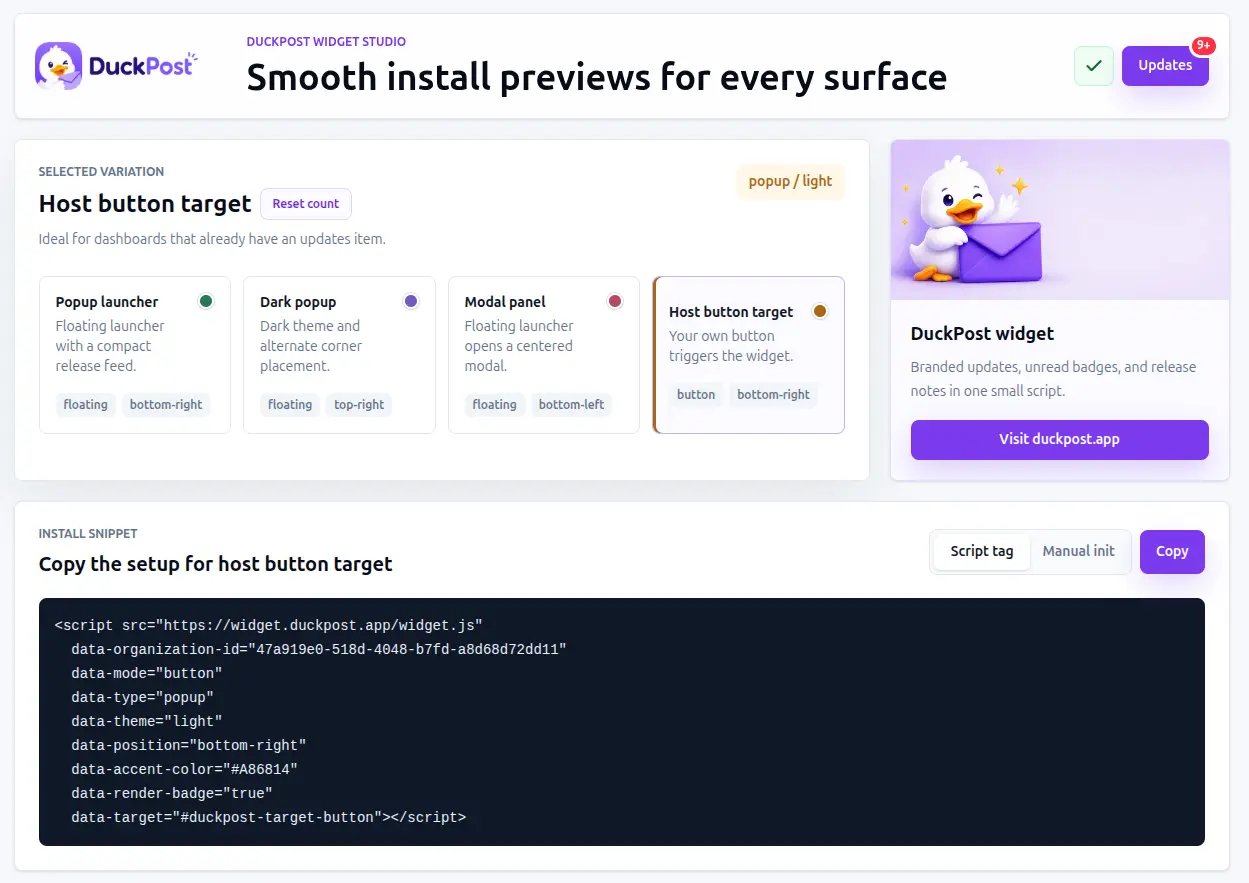
Add the script before the closing</body> tag:
<your-org-id> with the organization ID shown in Integration.
This creates the floating DuckPost launcher automatically.
Widget setup example
If you want to mount the widget from your own button, use the JavaScript API:Widget behavior
The widget supports:lightanddarkthemes- Floating or button-triggered launch
- Popup or modal presentation
- Unread badge handling
- In-app feedback reactions
Domain allowlist
Owners can restrict widget usage to approved domains.- Up to 5 domains are supported
- Each entry must be a valid hostname such as
app.example.com localhostis allowed for development- The allowlist only applies when it is enabled
Recommended widget flow
Publish a release first
The widget is most useful once you already have published updates to display.
Copy the install snippet
Open duckpost.app/integration and copy the widget script for your organization.
Install and test
Verify the widget loads the correct organization and opens inside the right product surface.