

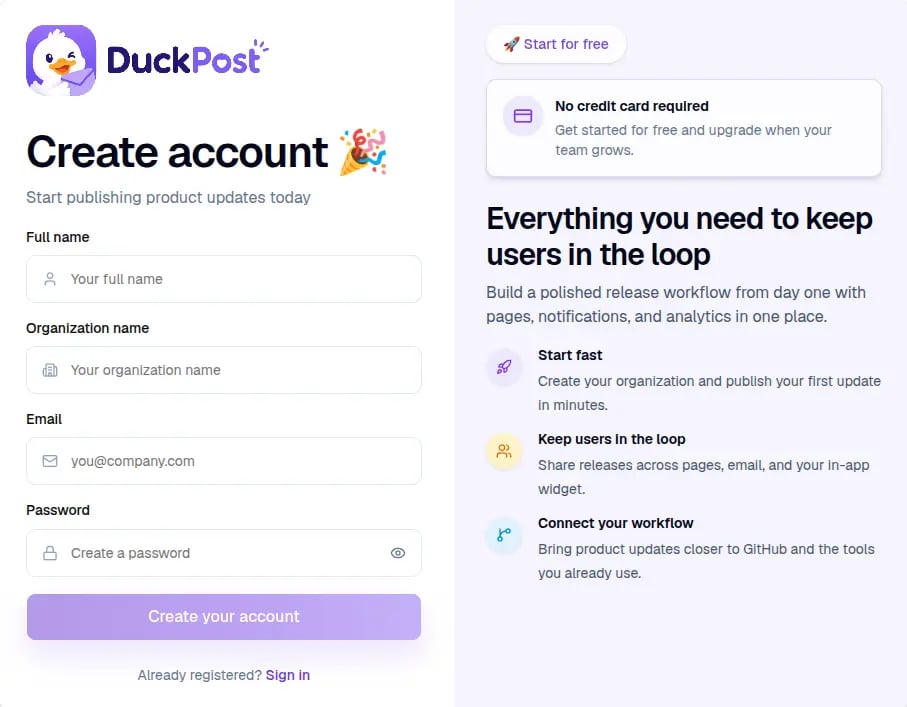
What happens after you submit
Verify your email
DuckPost sends a verification email. You must verify your address before you sign in.
Sign in
After verification, open duckpost.app/login and access your workspace.
If you were invited by a teammate
Invite links open a slightly different registration flow. You only need to finish your personal account details. If an invite is invalid or expired, ask the organization owner for a new invite.After your account is ready
- Go to dashboard overview, first release, and next steps
- Open Releases to create your first update
- Open Profile settings later to change your password or enable MFA