> ## Documentation Index
> Fetch the complete documentation index at: https://docs.duckpost.app/llms.txt
> Use this file to discover all available pages before exploring further.
# What is DuckPost?
> Understand what DuckPost does, its core features, and the workflow behind every release.
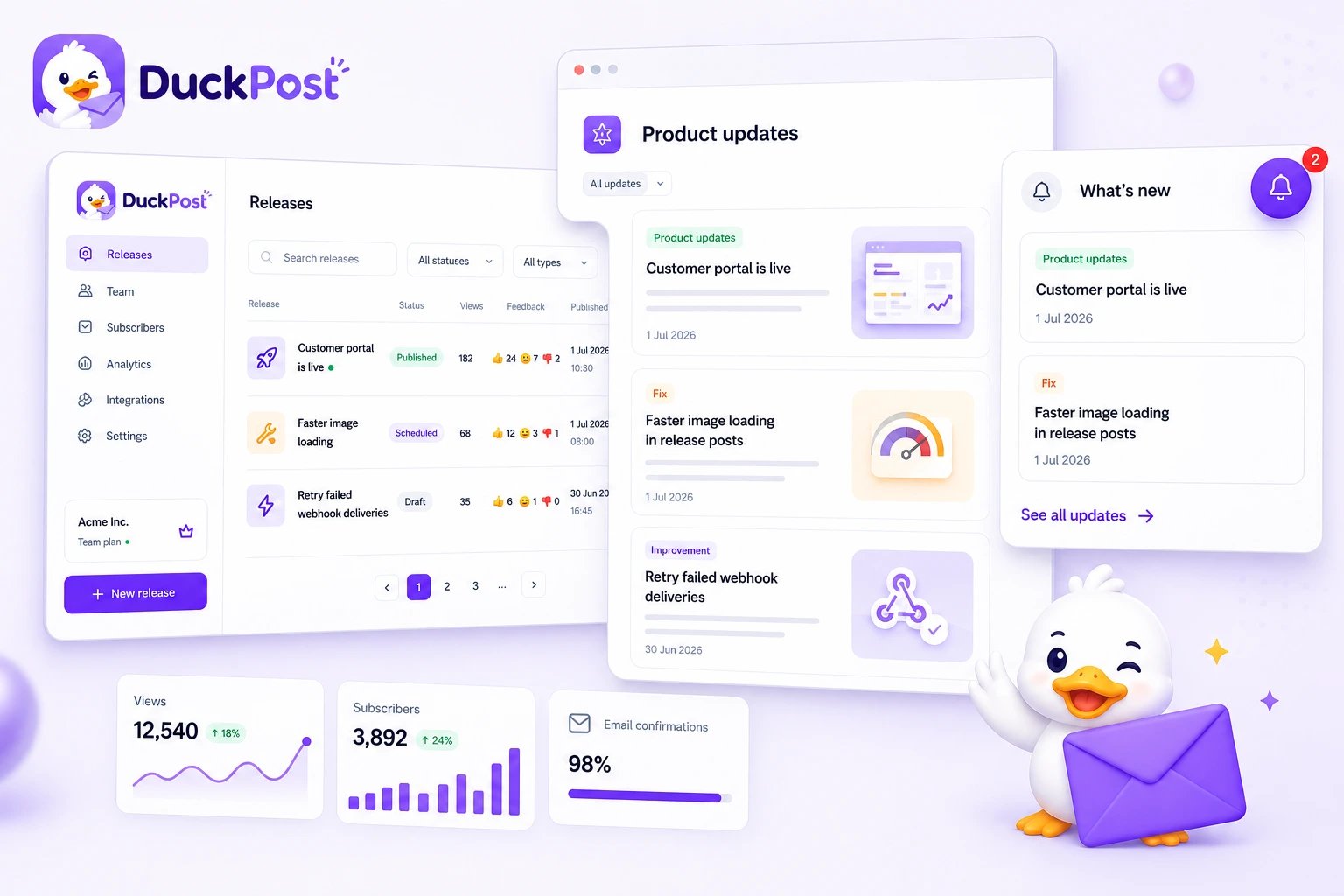
DuckPost is a release communication platform for product teams. You write one release, then DuckPost helps you publish it on a public changelog, show it inside your product, notify subscribers, and track engagement.
## Core features
* 📝 Write releases in a single editor with title, summary, rich text content, tags, release type, and optional cover image
* 🌍 Publish updates to a hosted public changelog at `duckpost.app/updates/`
* 🧩 Embed an in-app widget so customers can read updates without leaving your product
* 🔔 Notify confirmed email subscribers and connected Slack channels
* 📈 Track views and customer reactions on published releases
* 🤖 Generate release drafts from GitHub with the release agent
## Key concept
DuckPost is built around one core object: the **release**.
You create a release once, then choose how it should move through your workflow:
* Stay private as a **Draft**
* Go live immediately as **Published**
* Wait for a future date as **Scheduled**
That same release can appear on your public page, in the widget, and in subscriber notifications. This keeps your changelog consistent across every channel.
## How it works
Start in [**Releases**](https://duckpost.app/releases) and create a new release with the customer-facing details you want to share.
Save a private draft, publish now, or schedule a publish time.
DuckPost can surface the same release on your hosted changelog, inside the widget, and through subscriber notifications.
Published releases collect view and reaction data so you can see what customers actually noticed.
When your process is ready, connect [**Release Agent**](https://duckpost.app/release-agent) to GitHub to generate future release drafts faster.
Start with [create account](/get-started/create-account) if you are new to DuckPost, then continue to [dashboard overview, first release, and next steps](/quickstart).